Wi-Fi planning
Review rooms, construction, existing equipment and the areas where you need connectivity before choosing access-point locations.
SMARTHOM CO. · MIAMI-DADE
We design, install and service Ubiquiti UniFi networks around your home. Access points, gateways, switches and wired connections are planned for your rooms, outdoor spaces and connected systems.
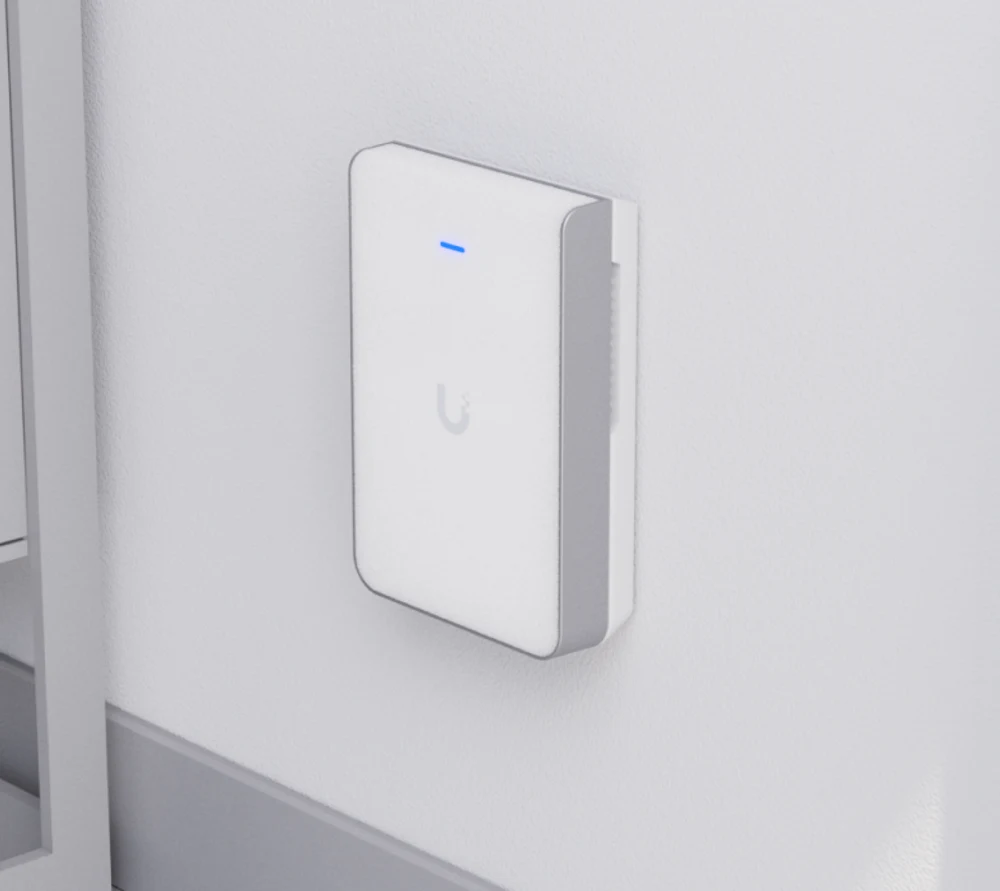
PLANNED AROUND YOUR PROPERTY
Your proposal confirms equipment, installation requirements and pricing before work begins.
Review rooms, construction, existing equipment and the areas where you need connectivity before choosing access-point locations.
Select and install UniFi gateways, switches and access points for the agreed system scope.
Plan cable routes and wired connections for network equipment and compatible home systems.
Organize equipment, patch panels and connections around the available space and installation requirements.
Configure the installed network and test connections and performance in the agreed areas.
Troubleshoot UniFi issues and plan configuration changes, retuning or upgrades after assessing what is installed.
HOMEOWNERS FIRST
New installations and network upgrades planned around your household, rooms and outdoor spaces.
Review cable routes and equipment placement alongside the parts of your home you want to keep.
Networking planned around available infrastructure, access arrangements and building requirements.
Network installation and configuration scoped around your premises and connected equipment.
FROM PLANNING TO HANDOVER
Tell us about your network, installed equipment, connectivity issues and project priorities.
Review equipment, access-point locations, cabling, rack requirements and pricing in your proposal.
Install the agreed equipment and connections, then configure the network for your property.
Test installed connections and walk you through the network and everyday management.
INSTALLATION & EXISTING SYSTEMS
Ubiquiti makes the UniFi platform. UniFi Network covers networking, while Protect and Access serve cameras and entry systems. We plan the equipment and connections needed for your project.
Yes. We review equipment and symptoms, troubleshoot issues and define configuration changes, repairs or upgrades before proceeding. Service visits and repairs are quoted separately from installation projects.
That depends on existing cable routes, equipment locations and the planned network. We review what can be retained and which new connections are needed before agreeing on the scope.
Yes. Tell us which indoor and outdoor areas matter to you. Placement, construction, power, cable routes and equipment suitability are reviewed as part of the plan.
We review the connection requirements and compatibility of your equipment when planning the network. Tell us what is installed and what you intend to add so those needs can be included in the proposal.
Yes. We plan and install racks for the agreed systems, including equipment layout, structured cabling, organized connections, configuration and handover. Rack size and placement depend on your space and equipment.
LET’S DEFINE YOUR SCOPE
Tell us about your Miami-Dade property, planned installation or existing UniFi issue. We will review the scope and next step with you.